


A Complete Step-by-Step Guide (With Common Problems & Fixes)
Apple CarPlay has completely changed the way we interact with our cars, making navigation, music, calls and messages safer and more intuitive. Many modern vehicles and aftermarket systems now support wireless CarPlay, but what most drivers don’t realise is that wired CarPlay often provides better stability, faster response, and fewer dropouts.
If you’re experiencing lag, random disconnections, audio delay, or unreliable connections, switching from wireless CarPlay to wired CarPlay can be the best solution — if it’s done correctly.
In this guide, we’ll explain how to switch from wireless CarPlay to wired CarPlay properly, why issues happen, and how to avoid the most common mistakes that stop wired CarPlay from working.
Wireless CarPlay vs Wired CarPlay: What’s the Difference?
Before switching, it’s important to understand how the two systems work.
Wireless CarPlay
Wireless CarPlay uses:
-
Bluetooth to initiate the connection
-
Wi-Fi to transmit data (maps, audio, apps)
While convenient, it can suffer from:
-
Connection instability
-
Audio lag
-
Interference from other Wi-Fi signals
-
Slower startup times
-
Higher battery drain on the iPhone
Wired CarPlay
Wired CarPlay uses:
-
A physical USB data connection
Benefits include:
-
Faster response time
-
More stable connection
-
Better audio quality
-
No wireless interference
-
Keeps iPhone battery level
For many users, wired CarPlay simply works better — but only if the system is configured correctly.
Why Wired CarPlay Sometimes Doesn’t Work After Using Wireless CarPlay
This is one of the most common CarPlay problems we see.
If your car supports both wireless and wired CarPlay, the system will usually default to wireless mode, even when a cable is plugged in. As a result:
-
The car keeps reconnecting wirelessly
-
Wired CarPlay never activates
-
The screen stays on Bluetooth or radio mode
-
CarPlay connects, disconnects, or loops
To fix this, you need to manually disable wireless CarPlay on your iPhone and vehicle system.
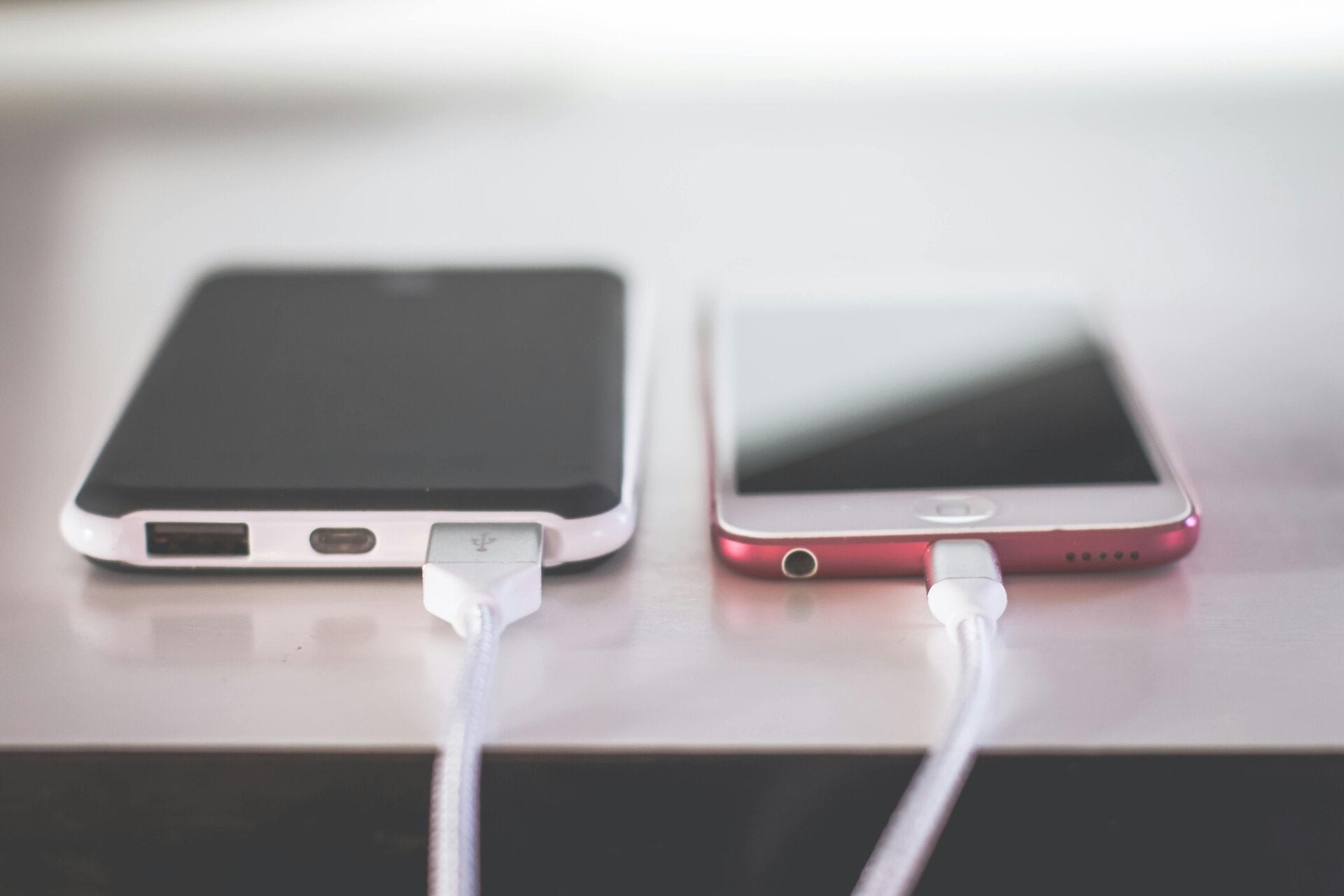
Step-by-Step: How to Switch from Wireless CarPlay to Wired CarPlay (Correctly)
Step 1: Use the Correct USB Cable (This Is Critical)
Not all cables support data.
Avoid:
-
Cheap charging-only cables
-
Old or damaged Lightning / USB-C cables
-
Long extension cables
Use instead:
-
Genuine Apple cable or high-quality cable
-
Short cable (ideally under 1 metre)
-
Direct connection (no USB hubs)
👉 A faulty cable is the number one reason wired CarPlay fails.
Step 2: Disable Wireless CarPlay on Your iPhone
On your iPhone:
-
Go to Settings
-
Tap General
-
Select CarPlay
-
Choose your vehicle
-
Tap Forget This Car
This removes the wireless pairing and forces the system to look for a wired connection instead.
Step 3: Turn Off Bluetooth and Wi-Fi Temporarily
This step prevents your car from reconnecting wirelessly.
-
Turn Bluetooth OFF
-
Turn Wi-Fi OFF
-
Plug your iPhone into the car via USB
-
Wait for CarPlay to load on the screen
Once wired CarPlay is active, Bluetooth and Wi-Fi can usually be turned back on.
Step 4: Check Your Vehicle’s CarPlay Settings
Some factory systems and aftermarket units have separate toggles for wireless CarPlay.
Look for:
-
“Wireless CarPlay” ON/OFF
-
“Smartphone Integration” settings
-
“USB Device Priority” options
Disable wireless CarPlay if available.
Step 5: Restart Everything (Underrated but Effective)
If CarPlay still doesn’t load:
-
Restart your iPhone
-
Turn the car ignition fully off
-
Lock the vehicle for 2–3 minutes
-
Restart and reconnect via USB
This clears cached wireless sessions that block wired CarPlay.

Common Wired CarPlay Problems & Fixes
Wired CarPlay Still Not Showing?
Possible causes:
-
USB port is charge-only (common in some vehicles)
-
CarPlay is disabled in the car’s system menu
-
Outdated infotainment firmware
-
Faulty aftermarket interface or retrofit module
CarPlay Connects Then Drops?
Likely reasons:
-
Damaged USB cable
-
Low-quality retrofit module
-
Loose USB connection behind the dashboard
-
Software conflict between wireless and wired modes
Why Professionals Recommend Wired CarPlay for Daily Use
From an installer and diagnostic point of view, wired CarPlay offers:
-
Fewer support issues
-
Consistent performance
-
Better compatibility with factory amplifiers
-
Improved microphone and call quality
-
Less strain on vehicle Wi-Fi modules
This is especially important in European prestige vehicles, Japanese imports, and cars with factory amplifiers or 360° cameras.
Final Thoughts: Wireless Convenience vs Wired Reliability
Wireless CarPlay is great when it works — but wired CarPlay remains the most reliable and stable option for everyday driving.
By using the correct cable, disabling wireless pairing properly, and configuring your vehicle’s system correctly, you can switch to wired CarPlay and eliminate:
-
Dropouts
-
Lag
-
Audio issues
-
Random disconnections