

Wireless CarPlay Not Connecting Automatically? Expert Troubleshooting and Installation Guide for Melbourne Drivers
Are you frustrated with your wireless CarPlay dropping connections or failing to connect automatically in your car? You're not alone. Many drivers in Melbourne experience these issues, especially when integrating Apple CarPlay or Android Auto into older vehicles. Whether it's intermittent drops during your commute or the system simply not pairing when you start the engine, these problems can disrupt your driving experience. In this comprehensive guide, we'll dive deep into troubleshooting wireless CarPlay connection issues, explore common causes, and provide practical solutions. Plus, if you're considering a professional upgrade, we'll highlight top options for CarPlay installation in Melbourne and Android Auto installation in Melbourne.
At Audio Car Studio Melbourne, we specialize in seamless CarPlay and Android Auto installs, ensuring reliable connectivity for safer, more enjoyable drives. If DIY fixes aren't cutting it, our expert team can handle everything from wireless CarPlay upgrades to full Android Auto integrations tailored to your vehicle.
Understanding Wireless CarPlay: How It Works and Why It Might Fail
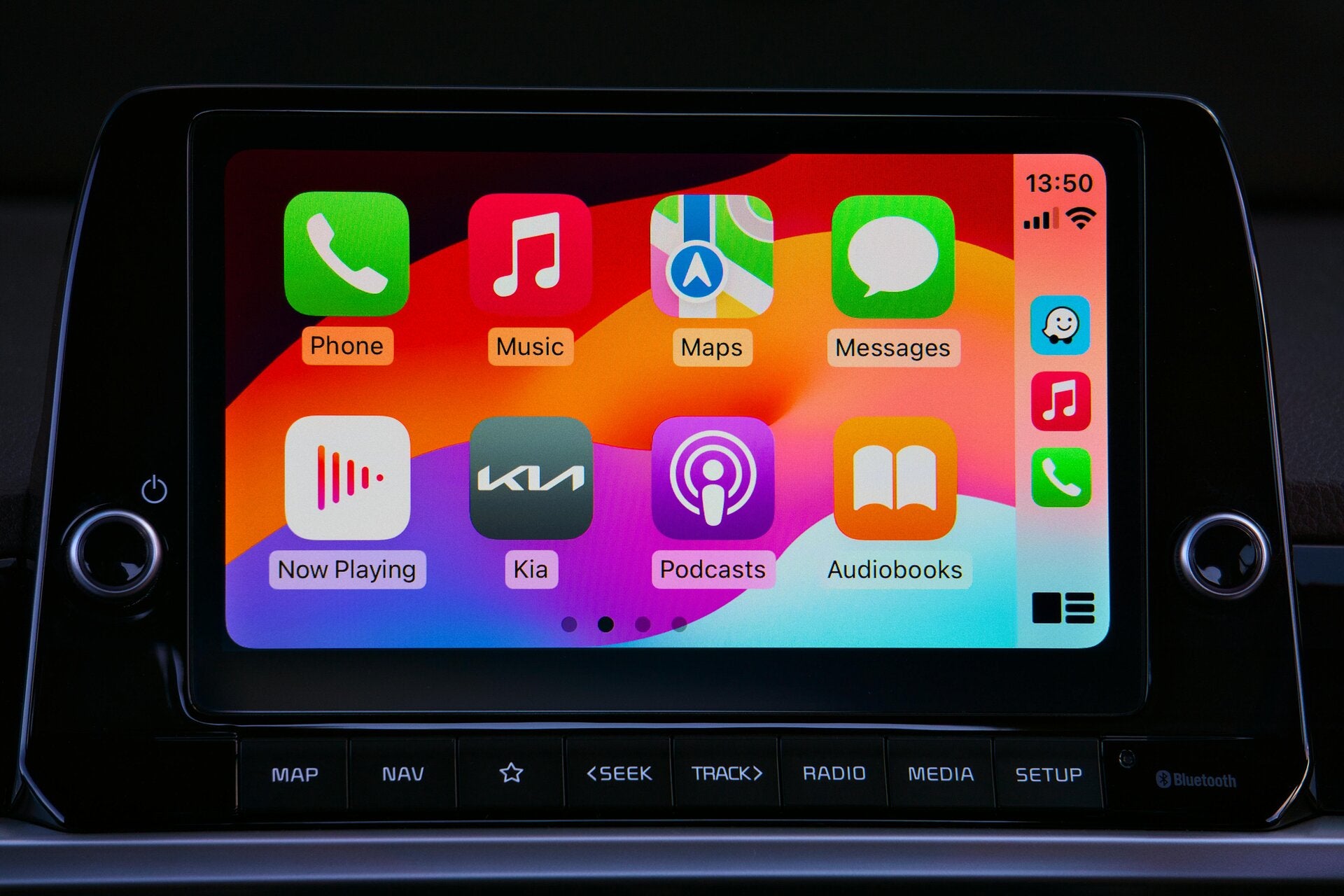
Wireless CarPlay allows your iPhone to connect to your car's infotainment system without cables, using Bluetooth for initial pairing and Wi-Fi for data transfer. This technology, introduced by Apple, enhances navigation, music streaming, and hands-free calling. However, factors like software glitches, interference, or incompatible hardware can cause drops or failure to auto-connect.
Common scenarios include:
- CarPlay disconnecting mid-drive due to signal interference.
- The system not recognizing your iPhone automatically upon engine start.
- Compatibility issues in vehicles not originally equipped for wireless setups.
If you're searching for "wireless CarPlay issues Melbourne" or "CarPlay not connecting automatically," this post is for you. We'll also touch on similar problems with Android Auto, as many solutions overlap.


Common Causes of Wireless CarPlay Connection Drops
Before jumping into fixes, let's identify why your wireless CarPlay might be dropping or not connecting automatically. Based on user reports and expert insights, here are the top culprits:
- Bluetooth and Wi-Fi Interference: Crowded urban areas in Melbourne, like the CBD or busy suburbs, can have high wireless interference from other devices, leading to unstable connections.
- Outdated Software: If your iPhone's iOS or your car's firmware isn't up to date, compatibility issues arise. Apple frequently releases updates to improve CarPlay stability.
- Network Settings Glitches: Residual data from previous pairings can cause conflicts, making auto-connection unreliable.
- Hardware Limitations: Older cars without native wireless support may rely on aftermarket adapters, which can be finicky without proper installation.
- Battery or Power Issues: Low iPhone battery or inconsistent car power supply during startup can prevent connections.
For Android Auto users facing similar drops, check for Google app updates and ensure your phone's Wi-Fi is enabled, as the systems share many underlying principles.
If these sound familiar, don't worry—most can be resolved with simple steps. However, for persistent problems, professional CarPlay installation in Melbourne might be the key to a flawless setup.
Step-by-Step Troubleshooting for Wireless CarPlay Not Connecting Automatically
Ready to fix your wireless CarPlay issues? Follow this detailed guide, starting with the basics and escalating to advanced resets. These steps are based on proven methods from Apple support and community forums.
Step 1: Basic Checks and Restarts
- Verify Connections: Ensure Bluetooth is enabled on your iPhone (Settings > Bluetooth). For wireless CarPlay, Wi-Fi must also be on (Settings > Wi-Fi).
- Restart Devices: Power cycle your iPhone and car. Turn off the engine, wait 30 seconds, restart, and try connecting.
- Check Cable (If Applicable): Even for wireless, start with a wired connection to rule out hardware faults. Use an official Apple Lightning cable.
Step 2: Forget and Re-Pair the Connection
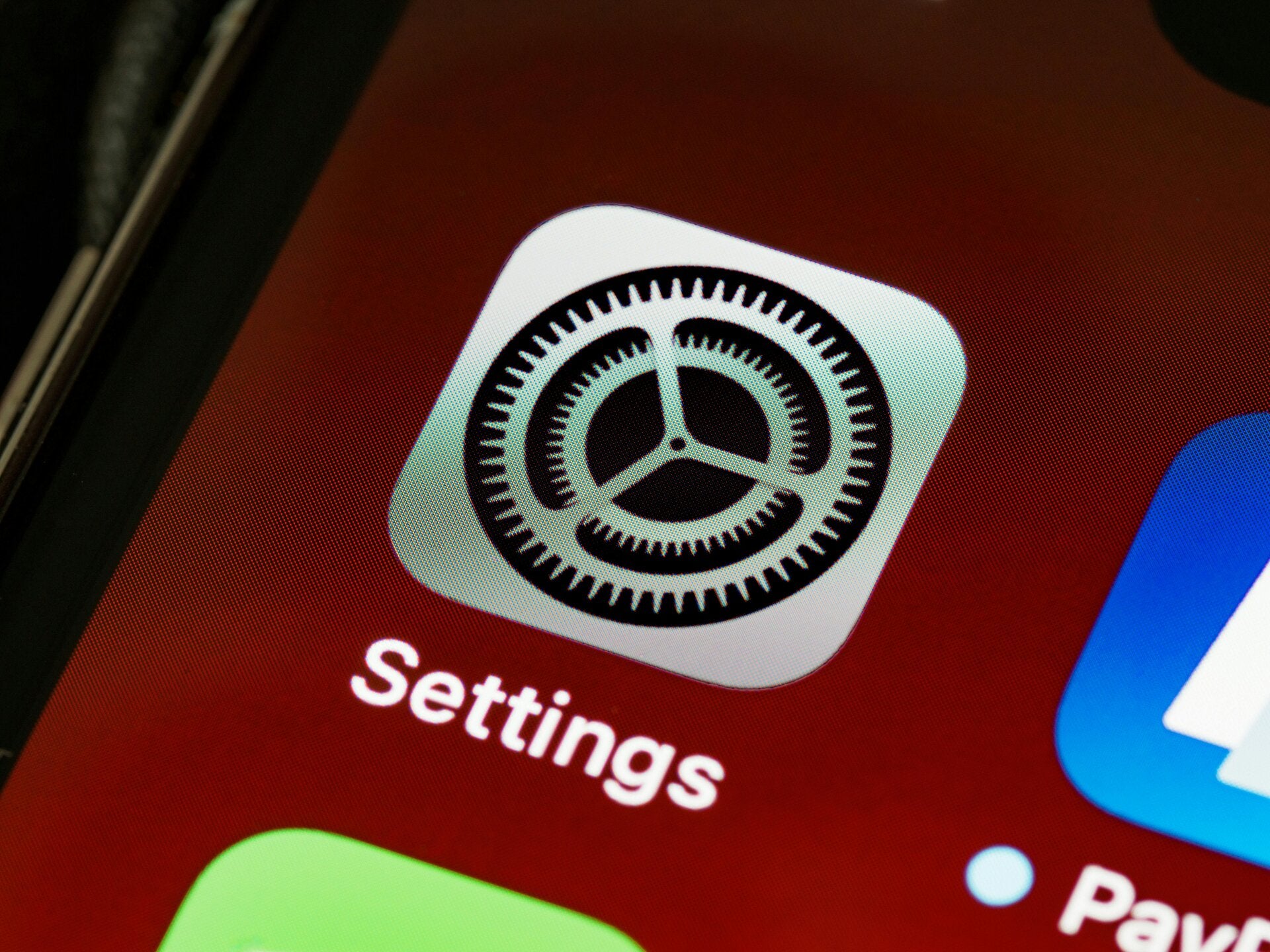
- Go to Settings > General > CarPlay on your iPhone.
- Select your car and tap "Forget This Car."
- In Bluetooth settings, forget the car's device.
- Restart your iPhone and car, then re-pair via wired connection first to establish a stable wireless link.
This reset clears corrupted data and often resolves auto-connect failures.

Step 3: Update Software
- Update iOS: Go to Settings > General > Software Update on your iPhone.
- Check Car Firmware: Visit your car manufacturer's website or app for infotainment updates. For example, Toyota or Honda owners in Melbourne can download via their portals.
- Clear Cache: In CarPlay settings, remove any cached data if available.
Step 4: Reset Network Settings
- On iPhone: Settings > General > Transfer or Reset iPhone > Reset > Reset Network Settings.
- This wipes Wi-Fi passwords and Bluetooth pairings but often fixes persistent drops.
Step 5: Test for Interference
- Move to a less crowded area or disable nearby Wi-Fi hotspots.
- Ensure no VPN is active on your iPhone, as it can interfere with CarPlay.
If these don't work, it might be time for hardware inspection. Android Auto troubleshooting follows similar steps: forget the device in Google settings and reset connections.
When DIY Fixes Aren't Enough: Professional CarPlay Installation in Melbourne
If troubleshooting doesn't resolve your wireless CarPlay drops, your vehicle might need an upgrade. Many older cars in Melbourne aren't equipped for wireless CarPlay out of the box, leading to unreliable connections. This is where professional installation comes in.
Opting for a CarPlay installation in Melbourne ensures compatibility and stability. Services include:
- Aftermarket head units with built-in wireless support.
- Adapters for existing systems.
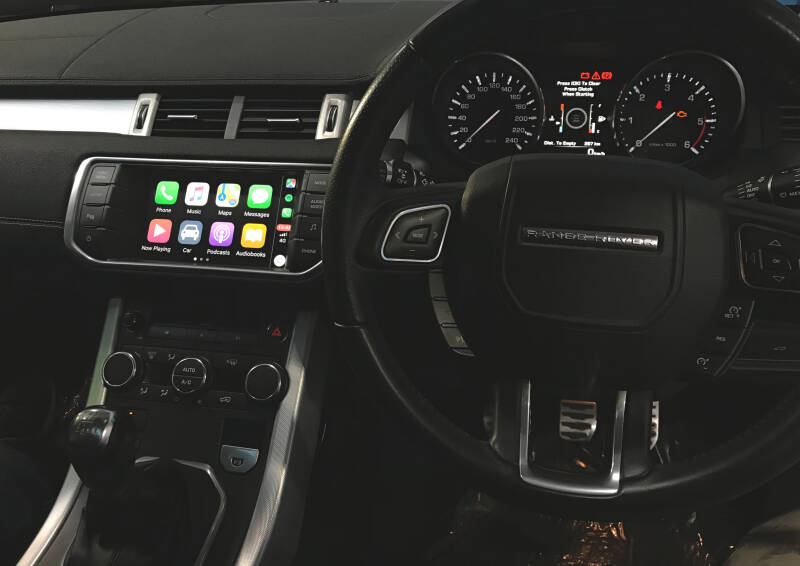
- Custom integrations for brands like Toyota, Ford, BMW, Mercedes, Audi, Volkswagen, Volvo, Land Rover, Jaguar, Nissan, Infinity.
Similarly, Android Auto installation in Melbourne can provide seamless Google integration for non-Apple users.
Benefits of Upgrading to Wireless CarPlay or Android Auto in Melbourne
Upgrading isn't just about fixing issues—it's about enhancing your drive:
- Safer Navigation: Real-time maps without glancing at your phone.
- Entertainment on the Go: Stream Spotify or podcasts wirelessly.
- Voice Control: Hands-free Siri or Google Assistant for calls and texts.
- Vehicle Compatibility: Modernizes older cars without buying new.
In Melbourne's traffic-heavy roads, reliable CarPlay or Android Auto can reduce distractions and improve safety.
Why Choose Audio Car Studio for CarPlay and Android Auto Installations in Melbourne
When it comes to professional installs, Audio Car Studio Melbourne stands out as a top choice. Located in the heart of Melbourne, we offer expert Apple CarPlay and Android Auto installation services, using high-quality components for reliable, seamless integrations.
Our services include:
- Wireless CarPlay Upgrades: Fix drops and auto-connect issues with premium adapters.
- Android Auto Installs: Full support for Google ecosystem users.
- Custom Solutions: Tailored to your vehicle's make and model.
- Mobile and On-Site Options: Convenient for suburbs like Carnegie or beyond.
With years of experience, our team ensures minimal downtime and warranty-backed work. Whether you're dealing with persistent wireless CarPlay problems or want a fresh Android Auto setup, contact Audio Car Studio Melbourne today for a quote.
Additional Tips for Maintaining Stable CarPlay Connections
- Use drop a high-quality USB port or adapter to avoid power fluctuations.
- Keep your iPhone's battery above 20% for reliable wireless pairing.
- Avoid extreme temperatures, common in Melbourne's variable weather, which can affect electronics.
For Android Auto, ensure your phone is compatible (Android 10+) and use the official app.
Conclusion: Get Back on the Road with Reliable Connectivity
Wireless CarPlay drops or failure to connect automatically can be aggravating, but with the right troubleshooting—or a professional upgrade—you can enjoy uninterrupted integration. If you're in Melbourne and need expert help, Audio Car Studio Melbourne is your go-to for CarPlay installation and Android Auto installation services. Don't let connection issues ruin your drive—reach out to us today for more details.
Drive safe, Melbourne! If this guide helped, share it with fellow drivers facing similar issues. For more tips on car audio and tech upgrades, stay tuned to our blog.