


Apple CarPlay has transformed the driving experience by allowing drivers to safely access apps directly from their car’s infotainment system. From navigation and music to messaging and podcasts, CarPlay-compatible applications help you stay connected while keeping your focus on the road.
In this guide, you’ll find a complete Apple CarPlay applications compatibility list, organized by category, along with tips on how to check if an app works with CarPlay.
What Is Apple CarPlay?
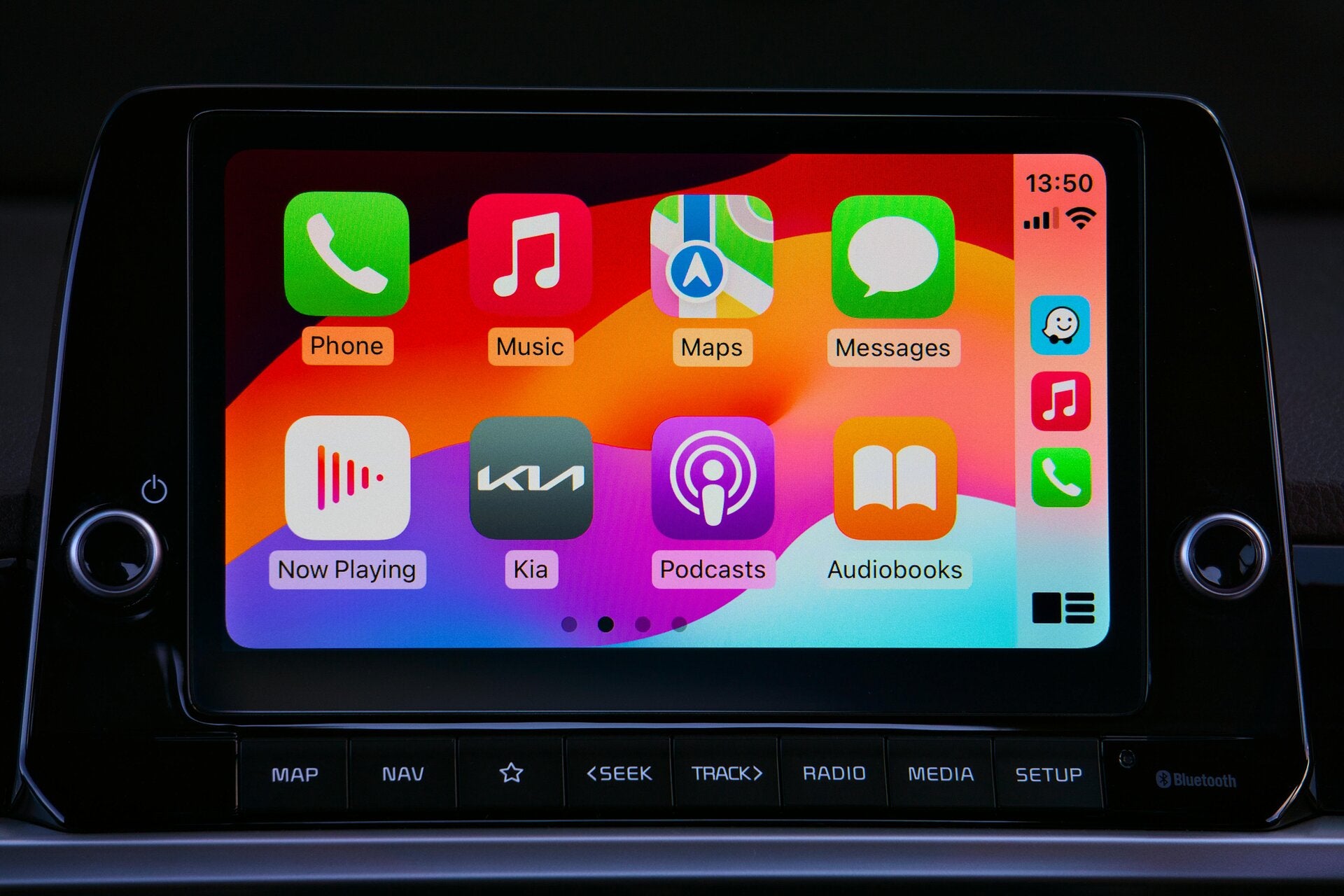
Apple CarPlay is Apple’s in-car platform that mirrors selected iPhone apps onto your car’s display. It works with most modern vehicles and supports both wired and wireless connections.
To use CarPlay, you’ll need:
-
An iPhone 5 or newer
-
iOS 7.1 or later (newer versions recommended)
-
A CarPlay-compatible vehicle or aftermarket head unit
Apple CarPlay Applications Compatibility List
Below is a categorized list of Apple CarPlay supported apps that work seamlessly with the system.

🗺️ Navigation Apps Compatible With CarPlay
Navigation apps are among the most popular CarPlay applications.
Supported Navigation Apps:
-
Apple Maps
-
Google Maps
-
Waze
-
TomTom GO Navigation
-
Sygic GPS Navigation
-
HERE WeGo
These apps provide turn-by-turn directions, real-time traffic updates, and voice guidance through Siri.
🎵 Music & Audio Streaming Apps
CarPlay supports a wide range of music and audio streaming platforms.
CarPlay-Compatible Music Apps:
-
Apple Music
-
Spotify
-
Amazon Music
-
YouTube Music
-
Pandora
-
TIDAL
-
SoundCloud
-
iHeartRadio
-
Deezer
All of these apps allow hands-free control using Siri for safer driving.

🎙️ Podcast & Audiobook Apps
Listening to podcasts and audiobooks is easy with CarPlay.
Supported Podcast & Audiobook Apps:
-
Apple Podcasts
-
Audible
-
Google Podcasts
-
Overcast
-
Pocket Casts
-
Libby
-
Scribd
💬 Messaging & Communication Apps
Apple limits messaging apps to ensure safety, but several popular options are supported.
CarPlay-Compatible Messaging Apps:
-
Apple Messages
-
WhatsApp
-
Telegram
-
Signal
-
Skype
Messages can be read aloud, and replies can be dictated using Siri.
📞 Calling & Conferencing Apps
CarPlay also supports calling and conferencing tools.
Supported Calling Apps:
-
Phone (Apple)
-
WhatsApp Calling
-
Zoom Audio (limited features)
-
Microsoft Teams (audio-only support)
⚡ EV Charging & Utility Apps
Electric vehicle drivers can benefit from CarPlay-compatible utility apps.
EV & Utility Apps:
-
PlugShare
-
ChargePoint
-
EVgo
-
Electrify America
-
Shell Recharge
How to Check If an App Is Compatible With Apple CarPlay
To confirm app compatibility:
-
Open the App Store on your iPhone
-
Search for the app
-
Scroll down to the app description
-
Look for “Works with Apple CarPlay”
You can also check Apple’s official CarPlay app list on their website.
Why Some Apps Don’t Support CarPlay
Not all apps are allowed on CarPlay. Apple restricts app categories to reduce driver distraction. Unsupported categories include:
-
Video streaming
-
Social media feeds
-
Web browsers
-
Games
Final Thoughts
Apple CarPlay continues to grow, and more developers are adding support every year. This CarPlay applications compatibility list helps you quickly identify which apps you can safely use while driving.
For the best experience:
-
Keep your iPhone updated
-
Update apps regularly
-
Use Siri for hands-free control
If you’re looking to upgrade your driving experience, choosing the right CarPlay-compatible apps makes all the difference.